Discover Credit Card Guides
Find plain-English answers to every Discover credit card question in one place. Whether you are a student applying for your first Discover card, a long-time cardholder looking to schedule a payment, someone who needs to dispute a charge, or a cardholder trying to activate a new card, these guides are written specifically for Discover cardholders.
How to Make a Discover Credit Card Payment
You can make a Discover credit card payment online through your Discover account, through the Discover mobile app, by phone, by mail, or in person at a Walmart MoneyCenter and other participating retail locations. Payments submitted before 5 p.m. Eastern time typically post on the same business day, and Discover does not charge a fee for making a payment by any method. These guides cover every Discover payment method in detail, including how to pay from another bank, how to pay with a debit card, Discover payment cut-off times, and how long a Discover payment takes to process and post to your account.
Read: How to Pay Your Discover CardHow to Cancel Your Discover Credit Card
You can cancel your Discover credit card by calling the customer service number on the back of your card, through the Discover app for some account types, or by logging into your online account. Before canceling, you should redeem any unused cash back rewards, as they may be forfeited when your account closes depending on your account status at the time of closure. These guides cover how to cancel the Discover it card, Discover student card, and Discover secured card, along with how to cancel automatic recurring payments and subscriptions before closing your Discover account.
Read: How to Cancel Your Discover CardHow to Dispute a Discover Credit Card Charge
You can dispute a charge on your Discover credit card through the Discover mobile app, your online account, by calling the Discover dispute phone number, or by writing to Discover dispute mailing address. Discover typically issues a provisional credit to your account while the dispute is under investigation, and most disputes are resolved within 30 to 60 days of the filing date. These guides cover how to dispute both pending and posted Discover charges, how long you have to file a dispute after a transaction, what happens after you submit, and how to reach Discover disputes team directly.
Read: How to Dispute a Discover ChargeHow to Apply for a Discover Credit Card
Applying for a Discover credit card can be done online in a few minutes, and many applicants receive an instant approval decision immediately after submitting their application. Discover offers a pre-qualification tool that lets you check which cards you are likely to be approved for without a hard inquiry on your credit report. These guides cover how to apply for the Discover it Cash Back, Discover it Secured, and Discover student card, what credit score Discover requires for each card, what Discover evaluates in your application, and how to check your Discover credit card application status after applying.
Read: How to Apply for a Discover CardBrowse All Discover Guides
Every Discover credit card guide published on this site appears below, ordered from newest to oldest. New guides appear here automatically as they are published.
How to Get Discover to Lower Your Interest Rate: A Complete Step-by-Step Playbook for 2026

Watching an interest charge eat into your monthly payment is frustrating, especially when you have been a…
How to Increase Your Discover Credit Card Limit (2026 Step-by-Step Guide)
I remember the first time I asked for a credit line increase. My Discover card had a…
How to Settle Credit Card Debt With Discover: A Complete 2026 Guide
If you’re falling behind on a Discover card balance, you already know the feeling. The calls keep…
Discover Credit Card APR: Rates, Ranges & How to Lower Yours (2026)
When I first looked at my Discover card statement and saw an interest charge that didn’t match…
Discover Card Routing Number: How to Find & Use It for Payments (2026 Guide)
Setting up a new payment or transfer for your Discover card can feel confusing fast. You log…
How to Change PIN on Discover Credit Card: Easy Steps for App, Online, Phone & ATM
I know how stressful it feels when you stand at an ATM or face a chip-and-PIN reader…
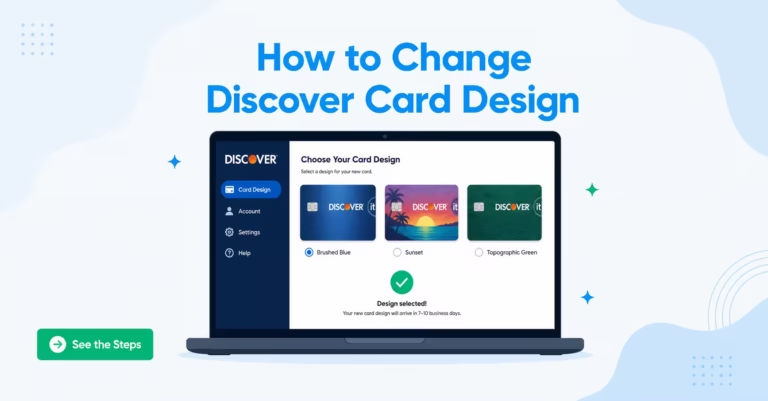
How to Change Your Discover Card Design (And What to Know About the Capital One Move)
Want to change your Discover card design but not sure where to start? You’re not alone. The…
How to Transfer a Discover Credit Card Balance to Another Card: The Complete 2026 Guide
If you’re staring at a Discover statement and watching the interest charges climb every month, you’re not…