Your Chase annual fee just posted. You look at the last 12 months and think, “I didn’t earn back what I paid this year.” But you don’t want to cancel either, because that Sapphire, Southwest, or United card is one of your oldest accounts.
It holds real points. It has years of history. And canceling it feels like throwing away something you built. This is the moment most people start looking into how to downgrade a Chase credit card.
Downgrading swaps your current card for a cheaper Chase card in the same family, so you keep your account, your credit line, and your rewards.
In this guide, I’ll walk you through eligibility, the exact card paths, refund timing, credit impact, and the phone script. By the end, you’ll know if downgrading is right for you and exactly how to make the call.
Key Takeaways
This guide explains how to downgrade a Chase credit card, including eligibility rules, card-family downgrade paths, annual fee refund timing, and how the switch affects points and credit score.
Core Facts:
- A Chase account must be open at least 12 months and in good standing before a product change is allowed, and personal cards can only downgrade to other personal cards.
- A downgrade does not trigger a hard inquiry and does not count toward Chase’s 5/24 rule, since it changes an existing account rather than opening a new one.
- Chase refunds the full annual fee if you downgrade within 30 days of the fee posting, and prorates the refund based on days passed if you call after that window.
- Ultimate Rewards points carry over to the new card, but transfer partners like airlines and hotels become unavailable once the account no longer carries a Sapphire or Ink Preferred product.
- Product changes cannot be completed online or through secure messaging; they require a phone call to Chase at 1-800-432-3117.
- Downgrading does not earn a welcome bonus, since Chase treats it as a change to an existing account rather than a new application.
Best for:
- Cardholders facing an annual fee they don’t want to pay but who want to keep their account age and credit line intact.
- Sapphire, Southwest, United, or Marriott cardholders deciding between downgrading, canceling, or keeping their current card.
- Readers close to Chase’s 5/24 limit who want to avoid using up a new-account slot.
Chase Downgrade Eligibility Requirements
Chase doesn’t approve every downgrade request. Before you dial, you need to meet a short list of baseline rules. Miss one, and the rep will tell you to call back later. Meet all of them, and the change usually takes about 5 to 10 minutes on the phone.
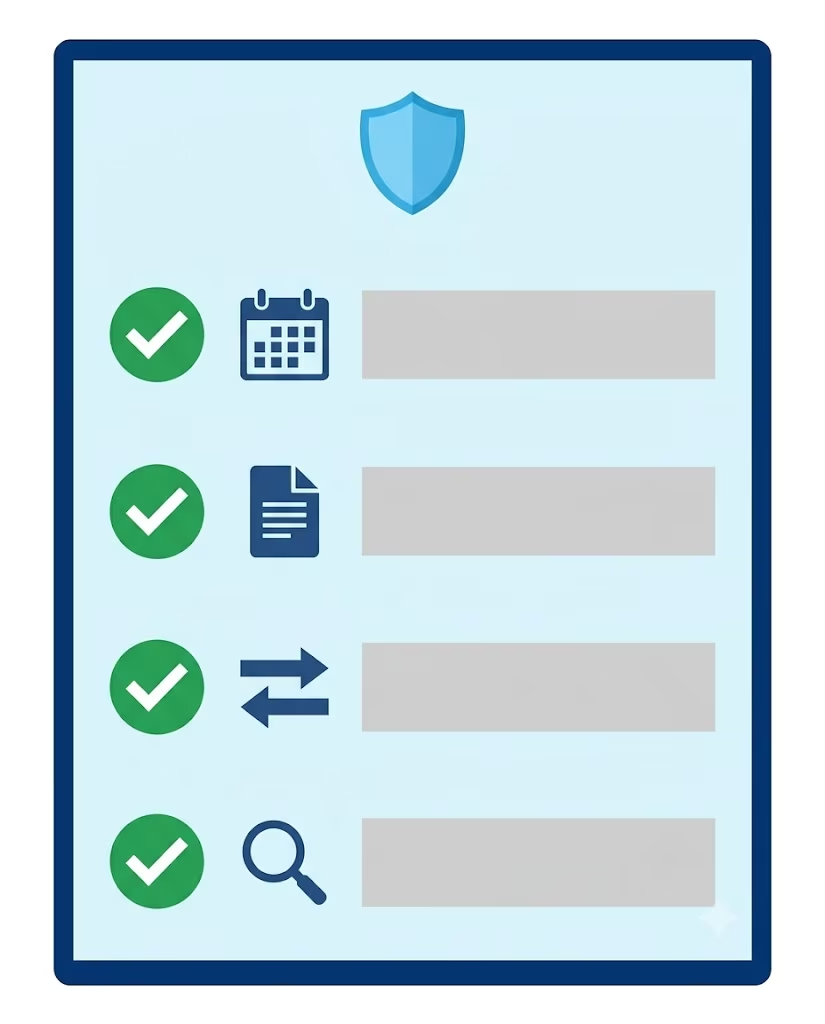
Chase requires that your account be open for at least 12 months before a product change. This is the well-known “one-year rule,” and it applies to most fee-based cards, including the Sapphire Preferred and the Sapphire Reserve. Your account also has to be in good standing. That means current on payments and not sitting in a fraud lock, dispute hold, or collections status.
There is one hard boundary you cannot cross. Personal cards can only downgrade to other personal cards. Business cards can only downgrade to other business cards. You cannot switch a Chase Ink Business card into a personal Freedom card, no matter how long you’ve held it.
The good news? No new credit check is needed. Chase treats a downgrade as a change to an existing account, not a new application. So there is no hard inquiry on your credit report.
What a Credit Card Downgrade Actually Means
A downgrade, which Chase officially calls a “product change,” swaps one card product for another while keeping the same account open. Your account number often stays the same. Your credit limit stays the same. Your APR structure usually stays the same. Only the card product, the rewards structure, and the annual fee change.
This is very different from canceling. A canceled account gets closed, drops off your credit mix over time, and can shorten your average age of accounts. A product change keeps all of that intact. You are not opening a new account. You are just swapping the label on the one you already have.
How to Confirm Your Account Is in Good Standing
Before you call, log in to your Chase account online or open the Chase Mobile app and check three things:
- Your account is not marked past due.
- Your last statement was paid in full, or you are current on your minimum.
- You have no active fraud alerts, disputes, or restrictions on the account.
If any of those look off, fix them first. Chase reps can see everything on their screen, and they will not push a product change through while an in-progress issue is sitting on the account.
Does This Affect Chase’s 5/24 Rule?
NO. This is one of the most misunderstood parts of the whole process.
Chase’s 5/24 rule counts new credit card accounts you have opened in the last 24 months across all issuers. A downgrade is not a new account. So it does not add to your 5/24 count.
That means if you’re at 4/24 today and you downgrade your Sapphire Preferred to a Freedom Unlimited, you are still at 4/24 tomorrow. You didn’t burn a slot. You didn’t reset any clock. You just changed the product name on an existing account.
💡 Pro Tip: If you’re close to the 5/24 limit and want a new welcome bonus later, downgrading is safer than canceling. Your slot stays free, and you keep the option to apply for a fresh card in the future.
Which Cards You Can Downgrade To (Card Family Rules)
Here is where most readers get stuck. Chase does not let you downgrade to just any card. The rule is simple, but strict.
Your new card must be in the same product family as your current one. Co-branded airline and hotel cards stay in their co-branded lineup. Sapphire cards drop into the Freedom lineup. Personal stays personal. Business stays business.
If you try to jump between families, like moving a Southwest card into a Freedom Flex, the rep will decline it. You’ll have to cancel and reapply, which triggers a hard inquiry and burns a 5/24 slot.
The paths below cover the most common downgrade routes people ask about.
How to Downgrade a Chase Sapphire Credit Card
Sapphire cardholders have the widest set of downgrade options. Both the Sapphire Preferred and the Sapphire Reserve can drop into the no-annual-fee Chase Freedom lineup.
Typical downgrade paths from a Sapphire card:
- Chase Freedom Unlimited – 1.5% flat cash back, no annual fee
- Chase Freedom Flex – 5% rotating categories, no annual fee
- Chase Freedom Rise – starter card, sometimes offered as a downgrade path
Your credit line, APR, and account number generally stay the same after the switch. You also keep any Chase Ultimate Rewards points that are already in your account (more on that in the points section).
One important limit: you can only hold one Sapphire card at a time, and Chase does not let you have two of the exact same Freedom card on the same profile. If you already have a Freedom Unlimited, downgrade your Sapphire into a Freedom Flex instead. If you have both Freedoms already, ask the rep what other product-change options are on your profile.
How to Downgrade Chase Southwest Credit Card
Southwest cardholders face the tightest limits. This is the part almost every online guide gets wrong.
There is no fee-free Chase Southwest personal card. All three of the Southwest personal cards charge an annual fee. So when you “downgrade” a Southwest card, you are really just moving to a cheaper Southwest card. You are not moving to a $0 annual fee card.
The Southwest personal downgrade paths available today:
- Southwest Rapid Rewards Premier – mid-tier fee
- Southwest Rapid Rewards Plus – lowest fee in the personal lineup
If you have the Southwest Priority card, you can save money each year by downgrading to Premier or Plus. You’ll still keep your Rapid Rewards points and your Companion Pass qualifying activity on the same account.
If you want a no-fee option, you would have to cancel the card. There is no back door into a fee-free Southwest product change.
⚠️ Mistake to Avoid: Do not cancel a Southwest card without first checking if downgrading to the Plus card saves you enough. Canceling ends your account, but downgrading keeps your history and your Rapid Rewards earning intact.
How to Downgrade Chase United Credit Card
United Airlines personal cards work the same way as Southwest. They all belong to the same co-branded family and have annual fees. You can switch between them, but you can’t find a truly fee-free personal United card for the long term.
Common United personal downgrade paths:
- United Explorer Card – mid-tier fee, usually the most common “step down”
- United Gateway Card – the lowest personal option, often marketed as a no-annual-fee starter
To avoid the United Club Infinite or United Quest fee, switch to the Explorer or Gateway. This keeps your MileagePlus benefits linked to your Chase account but lowers your yearly cost. Your miles balance is not affected. Miles sit in your MileagePlus account, not on the card itself.
How to Downgrade a Chase Marriott Bonvoy Credit Card
The Marriott side has fewer moving pieces, but the same family rule applies. You can switch between Chase Marriott Bonvoy personal cards. However, you can’t move to a non-Marriott card like Sapphire or Freedom.
Typical Marriott personal downgrade paths:
- Marriott Bonvoy Bountiful – mid-tier fee
- Marriott Bonvoy Boundless – lower-fee option many people target
- Marriott Bonvoy Bold – lowest fee in the personal Chase Marriott lineup
Your Marriott Bonvoy points live in your Bonvoy account, so they are safe no matter which card you land on. What changes is your annual free-night certificate tier, your earning rate at Marriott properties, and your annual fee.
Does Downgrading Hurt Your Credit Score?
For most people, NO. A Chase product change is one of the safest moves you can make on your credit report. It’s actually much easier on your score than canceling.
Here’s why: A downgrade is not a new account, so there is no hard inquiry. Chase does at most a soft pull, which is invisible to other lenders and does not affect your FICO score. Your account age stays the same because it’s the same account. Your credit line typically stays the same, so your overall available credit does not shrink.
The one place a downgrade can create a small ripple is credit utilization. If your new card ends up with a lower credit limit for any reason, or if Chase adjusts the limit as part of the switch, your utilization ratio could change.
Here is a simple example: Say you carry a $2,000 balance across all your cards, and your total credit line across every card you own is $20,000. That’s a 10% utilization ratio, which is healthy. If your Chase card previously had a $10,000 limit and drops to $6,000 after the change, your total available credit falls to $16,000. Your ratio jumps to 12.5%. Still fine, but not identical.
In most Sapphire-to-Freedom downgrades, the credit limit doesn’t drop. But it’s worth knowing the mechanics so you’re not surprised.
Canceling, by contrast, would remove the full credit line. That’s where the real utilization damage comes from. If you’re already running higher balances, downgrading is almost always the safer route.
Annual Fee Refund: What to Expect and When
This is the piece almost every reader wants to nail down. Timing here can be worth hundreds of dollars.
Chase gives you a full refund of your annual fee if you cancel or downgrade within 30 days of the fee posting to your account. This is the window everyone talks about. If you catch the fee inside those first 30 days and call for a product change, you typically get every dollar back.
After 30 days, the rules shift. Chase generally does not refund an annual fee on a canceled card. But if you downgrade instead of canceling, Chase will usually prorate the refund based on how many days have passed since the fee posted.
Here is what pro-rated looks like in practice. Say your $95 Sapphire Preferred fee posted 90 days ago. Chase has “used” about a quarter of the year already. A pro-rated refund would credit you back roughly three-quarters of the fee, minus any fee attached to the new card.
If you downgrade to a card with an annual fee, like from Sapphire Reserve to Sapphire Preferred, the new fee will show on your account. This will reduce your refund. Ask the rep to walk you through the math on the call. They can see the exact numbers on their screen.
📌 Did You Know: Chase’s 30-day full refund window is measured from when the fee posts, not from your statement date. Check your transactions, not your statement, to know your real deadline.
What Happens to Your Points and Rewards Balance
Your Chase Ultimate Rewards points do not disappear when you downgrade. They stay in your account and move with you to the new card. That part is simple.
What changes is what you can do with those points.
If you downgrade from a Sapphire Preferred, Sapphire Reserve, or Ink Business Preferred to a no-annual-fee Freedom card, you can’t transfer Ultimate Rewards points to airline and hotel partners anymore. Only the premium cards unlock transfer partners. Once your card no longer carries a Sapphire or Ink Preferred name, the transfer feature turns off for that account.
You do keep the ability to redeem points for cash back or through the Chase Ultimate Rewards travel portal. Most people chase high value by transferring points to airlines like United, Southwest, and Air Canada, or hotels like Hyatt and Marriott. To do this, you need at least one premium Ultimate Rewards card.
Losing Transfer Partners When You Downgrade Off Sapphire
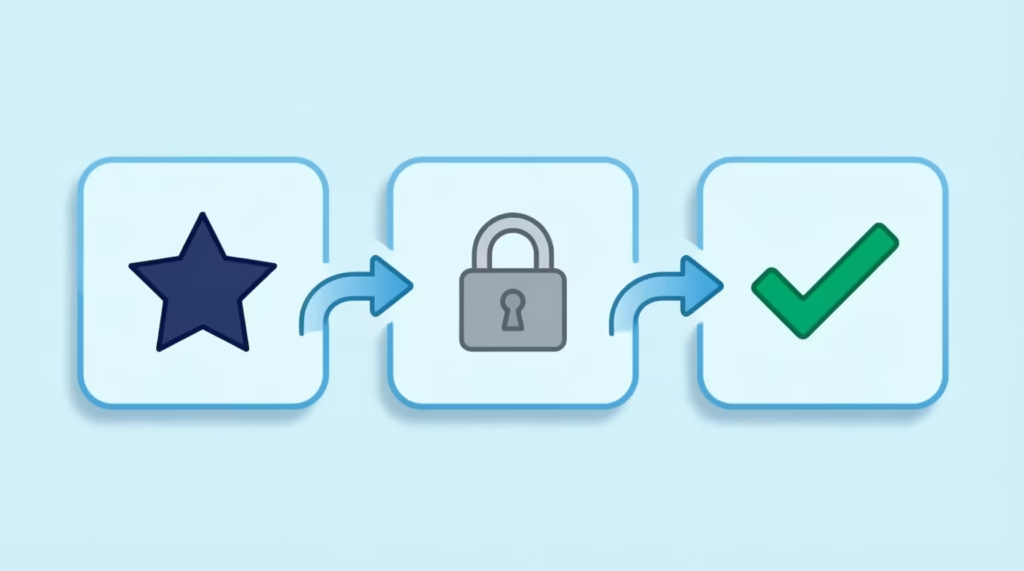
If you plan to move off Sapphire and you do not have another Ultimate Rewards premium card, transfer your points before you make the call.
Once your Sapphire account is switched to a Freedom card, transfers are locked. The points are still there. You just can’t send them to a travel partner anymore. You would only be able to use them for cash back or portal bookings.
A practical example: Sarah, a marketing manager at a small consulting firm, held a Sapphire Preferred with 68,000 Ultimate Rewards points. She wanted to downgrade to the Freedom Unlimited to save the $95 fee.
She didn’t realize the transfer feature would turn off. If she had transferred those 68,000 points to Hyatt before the change, she could have booked several nights at a Category 4 property for free. Instead, she was stuck with a cash-back valuation of about $680, which is a significant drop from what a Hyatt transfer could deliver.
Two safe moves before you call:
- Transfer points to the travel partner you already know you’ll use, or
- Keep one Sapphire or Ink Preferred card in your household so the transfer option stays alive on that other account.
If your spouse or partner has a Sapphire card, you can move Ultimate Rewards between family members before making the change. That way the points stay flexible without you paying the fee.
What to Prepare Before You Call Chase
Do not call cold. A prepared five-minute call goes smoothly. An unprepared call gets you a rep who has to guess, and you might walk away with a downgrade you didn’t want.
Run through this checklist before you dial.
- Pick your target card. Name the exact card you want, like “Freedom Unlimited” or “Southwest Plus.” Don’t ask the rep to suggest one for you.
- Confirm the 12-month rule. Check the account opening date on your statement or in the Chase app. If you’re inside the first year, wait it out.
- Check your account standing. Confirm no missed payments, disputes, or holds on the account.
- Handle your points strategy first. If you’re leaving Sapphire and don’t have another premium card, transfer points before you call.
- Know the fee math. Note the date the annual fee posted so you can ask about a full refund or pro-rated refund.
- Have account info ready. Your card number, the last four of your Social, and access to your Chase login in case the rep verifies you online.
This one checklist knocks out the vast majority of failed calls people report.
How to Call Chase to Downgrade Your Credit Card
You cannot process a Chase downgrade through secure message, chat, or the mobile app. It has to happen on the phone. Here is exactly how the call goes.
Dial the number on the back of your card, or call Chase credit card customer service at 1-800-432-3117. When the automated system asks for a reason, say “product change” or “downgrade.” That routes you straight to the right team.

When the rep picks up, say something like this:
“Hi, I’d like to do a product change on my [current card]. I’d like to downgrade it to the [target card]. Can you confirm my account is eligible and let me know if my annual fee will be refunded?”
That one sentence says it all: the request type, the specific card you need, eligibility check, and the refund question.
The rep will verify your account, confirm eligibility, and explain the refund amount before making the switch. Take notes on:
- The date the product change takes effect
- The refund amount, if any
- Whether your account number changes
- When your new physical card ships
Ask them to email or mail a written confirmation of the change. Chase usually sends this automatically, but confirming on the call saves you a follow-up.
Can You Downgrade Online Instead of Calling?
Not really. Chase sometimes gives specific upgrade or downgrade offers in your online account. However, most cardholders can’t make product changes in the app or via secure messaging.
If you do not see a product change option in your online account, do not assume you’re ineligible. Just call. The phone path works for everyone who meets the eligibility rules, even when the online path is not offered.
Downgrade vs. Cancel vs. Keep the Card: Which Makes Sense?
Downgrading is not always the right move. Sometimes canceling makes sense. Sometimes keeping the card as-is is the smartest play. Here is how to think through the three options side by side.
| Option | Annual Fee | Credit Score Impact | Points Impact | Welcome Bonus |
|---|---|---|---|---|
| Downgrade | Removed or reduced | No hard inquiry, account stays open, limit usually preserved | Points balance carries over, but transfer partners may be lost | No new bonus |
| Cancel | Removed | Account closes, credit line disappears, utilization may rise, account age drops off eventually | Points forfeited if no other Ultimate Rewards card is held | Bonus lost, but future bonus eligible after cooling period |
| Keep As Is | Still charged | No change | No change | No new bonus |
Cancel makes sense when you already have another card in the same family and truly won’t use this one anymore. Keeping makes sense when the card’s benefits (Sapphire Reserve travel credits, for example) still cover the fee. Downgrade makes sense when you want the account to stay alive, but you can’t justify the yearly cost.
For many readers, downgrading is the best option when facing an annual fee they can’t offset. It means no credit damage, no lost points, and no loss of account age.
Will You Still Get a Welcome Bonus?
No. A product change never earns a welcome bonus. Chase treats a downgrade as a change to your existing account, not the opening of a new one. Welcome bonuses only come with brand-new applications.
This is important for people who think, “I’ll downgrade to a Freedom Flex and grab that $200 bonus.” That doesn’t happen. You get the card, but no bonus posts.
If you eventually want to earn a welcome bonus on a Chase card again, you’ll need to apply for it as a new account. Chase’s normal bonus-eligibility rules still apply, including their 48-month rule for Sapphire cards and the 5/24 rule for approvals in general. Downgrading now does not restart these timers, and it does not disqualify you from future bonuses either. It just doesn’t earn one today.
What Happens After Your Downgrade Is Approved
Once the rep confirms the product change, the switch usually happens fast. In most cases, your account is updated the same day or within one business day. Your online account will show the new card name and the new rewards structure right away.
Here is what to expect over the next week or two:
- New physical card in the mail. Chase typically ships a new card within 7 to 10 business days. Your old card usually keeps working until the new one arrives.
- Same account number in most cases. For many downgrade paths, your account number does not change. When it does change (for example, some co-branded to non-co-branded shifts), you’ll get a new card number, expiration date, and CVV.
- Same credit limit and APR. These almost always carry over.
- Annual fee refund posts. If a refund was approved on the call, it usually shows on your account within one to two statement cycles.
The one action step for you is autopay. If your card number, expiration, or CVV changes with the downgrade, update:
- Utilities and mobile bills
- Streaming subscriptions
- Cloud storage and software subscriptions
- Insurance auto-payments
- Any shopping site with a stored card
Missing one of these is the most common headache people report after a downgrade. Take 10 minutes to run through your saved payment methods the day your new card activates, and you’ll skip the surprise decline emails a month later.
Frequently Asked Questions (FAQs)
How long does it take to downgrade a Chase card?
Most downgrades take about 5 to 10 minutes on the phone if you meet eligibility rules. Chase usually updates your account the same day or within one business day.
How do I downgrade my Chase account?
Call 1-800-432-3117 and tell the automated system “product change” to reach the right team. Ask the rep to confirm eligibility and switch your card to the specific product you want.
Can I downgrade a Chase credit card online?
Not usually. Most cardholders can’t process a product change through the app or secure messaging, so you’ll need to call even if no downgrade offer appears online.
Will downgrading my Chase credit card affect my credit score?
For most people, NO. A downgrade skips the hard inquiry, keeps your account age and credit line intact, and only affects your score if your credit limit happens to drop.
What happens if I downgrade my Chase Sapphire Reserve or Preferred?
Your points balance carries over to the new card, but transfer partners like Hyatt and United turn off once you’re no longer on a premium Ultimate Rewards card. Transfer any points you want to use before making the switch.
Can I downgrade my Chase Sapphire Preferred and reapply later for a new bonus?
Yes. Downgrading doesn’t disqualify you from future bonuses, but Chase’s 48-month rule for Sapphire cards and the 5/24 rule still apply to any new application.
Will Chase let me downgrade my credit card?
Yes, as long as your account has been open for at least 12 months and is in good standing with no missed payments or disputes. Personal cards can only downgrade to other personal cards in the same product family.
Does downgrading a Chase card hurt your 5/24 status?
NO. A downgrade is a product change on an existing account, not a new account, so it doesn’t count toward your 5/24 total.
What number do I call to downgrade a Chase credit card?
Call 1-800-432-3117, or use the number on the back of your card. Say “product change” when the automated system asks for a reason.
Will I get a welcome bonus for downgrading my Chase card?
NO. Chase treats a downgrade as a change to an existing account, so no welcome bonus posts, even if the new card normally offers one to new applicants.
Wrapping Up
Downgrading a Chase card is one of the quietest wins in personal finance. You skip the annual fee, keep your account age, protect your credit line, hold onto your points balance, and dodge a hard inquiry, all in one phone call.
The main steps are easy:
- Check you meet the 12-month and good-standing rules.
- Transfer points from Sapphire if needed.
- Call 1-800-432-3117
- Know the name of your target card.
For many cardholders, downgrading is the best choice. This way, they can avoid the annual fee while keeping their account active.
If you know someone staring at a Sapphire, Southwest, or United fee this month, share this guide. It could save them hundreds of dollars and years of hard-earned account history.